Before the Appointment: AI-Assisted Intake for Your Clinic
Let the first questions start before the consultation. Collect the patient’s information, then arrive with a clearer starting point for your conversation.
In this article
The first few minutes of a new appointment can disappear into familiar questions: what brings you here, what is your goal, and what should I know before we begin? When you manage bookings, records and plans yourself, you are collecting information, listening and documenting at the same time.
A pre-visit intake form gives some of that information a place before the appointment. Your patient shares the starting details; you review and clarify them together. This guide explains how to make intake part of a nutrition clinic’s scheduling routine, and where Clynevia’s AI-assisted form can support your preparation.
- The planned flow follows the appointment form with an optional invitation to complete pre-visit intake.
- Arabic follow-up questions are generated from the patient’s answers to the first form’s fixed fields.
- Review the answers and available attention notes in the patient record before the visit, then confirm the details together.
- Submitting a form does not confirm a booking, and generated notes do not replace your assessment.
A booked time is only one part of preparation
A name and a time on the calendar tell you when the consultation will happen. Preparation answers a different question: what do you need to understand before you begin? A well-organized diary can still leave you starting from scratch when relevant information sits in an old message, a paper note or an earlier conversation.
The aim is not to move the whole consultation into a questionnaire. Collect the information that helps you choose a starting point, then use the appointment to explore it. A broad goal such as improving everyday habits is an opening for discussion, not a complete account of what the patient needs.
Make room for intake between booking and the visit
1. Follow the appointment form with a simple invitation
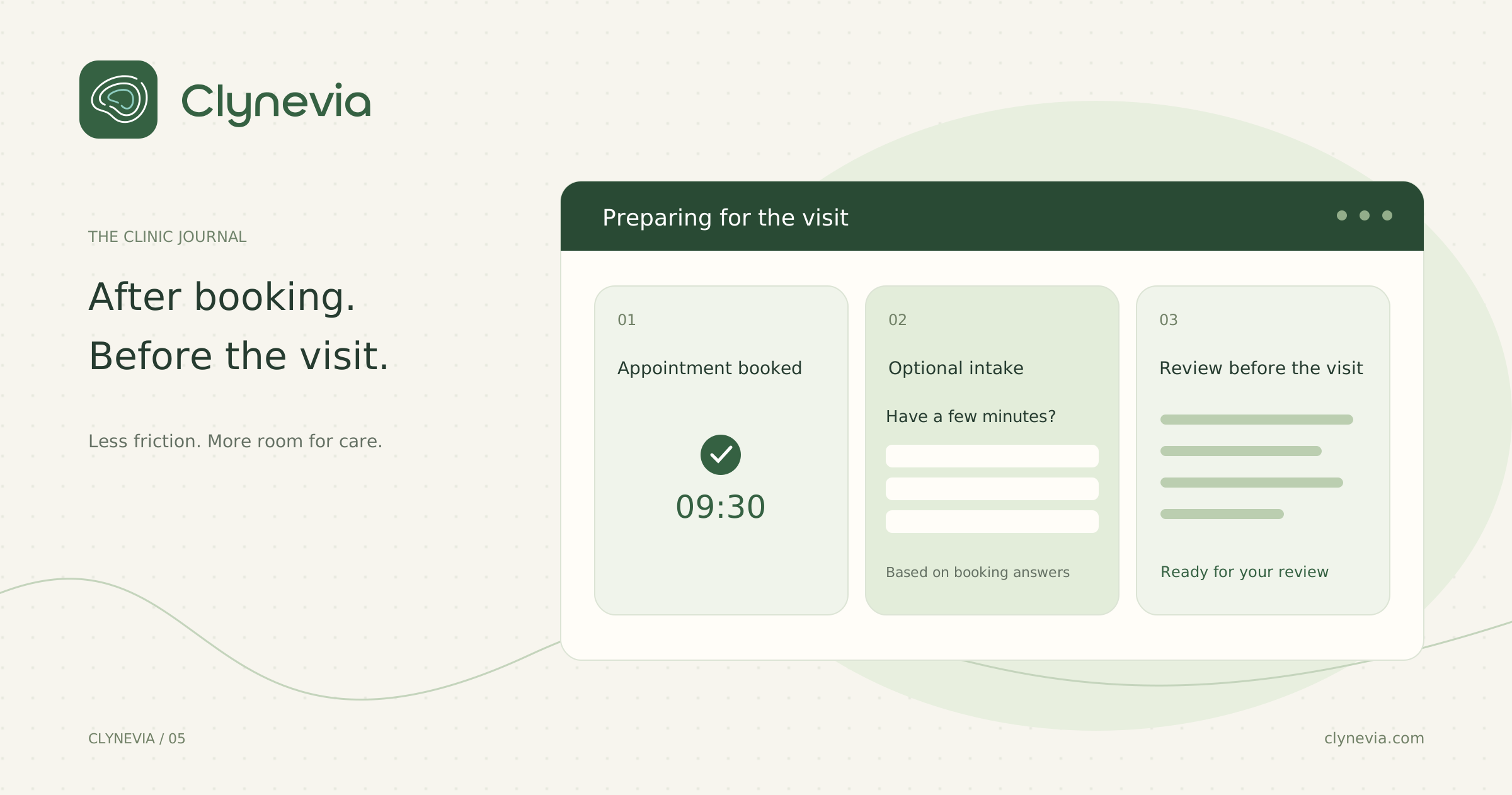
The planned Clynevia journey starts with the appointment scheduling form. Once the patient submits it and sees their booking status, they are asked: “Would you like to take a moment to fill out a pre-appointment form? Your answers help your specialist prepare for your visit.”
The proposed choices are “Yes, start the form” and “Not now.” This gives the patient a clear choice about continuing with preparation while keeping their booking status visible. This is the planned scheduling flow; its connection to booking will be reviewed during clinic setup.
2. Give the patient a workable way to respond
Sharing the link with reasonable time before the visit lets someone read the questions and check their information. People differ in confidence and comfort with online forms. Keep an alternative available: explain an unclear question, or collect the information together during the consultation if they need help.
A pending form is useful operational information. It may tell you to leave more time for collecting details at the appointment. It should not become a judgment about the patient’s commitment. The form supports preparation; a useful consultation should not depend entirely on someone managing a link independently.
3. Read first, then clarify together
Set aside a recognizable point in your day to review upcoming visits, such as before the first consultation in a session. Look at the goal, visit type and answers that need clarification. Identify two opening questions rather than discovering everything for the first time while the patient waits.
For an illustrative example, imagine a new patient selects several goals and lists an allergy. Reviewing those entries helps you notice both before the meeting. During the consultation, you confirm the details and agree on priorities. The form provides a starting point; the assessment and decisions remain yours.
Use the first form’s answers to guide the next questions
The first form uses fixed fields: the same starting questions, completed with each patient’s own answers. In the planned flow, those answers provide the input for generating the pre-appointment questions. Patients can continue from the information they already shared, without entering the same details in a separate intake form.
After accepting the invitation, the patient sees tailored follow-up questions in Arabic. For example, if the first form asks about the purpose of the visit, that answer can guide a question that helps you understand it better. The questions should use information actually collected in that form, without assuming missing details or treating the initial answers as an assessment.
AI generates the follow-up questions; the first form’s fields remain predefined. The current intake form also has prepared fallback questions when generation is unavailable. You review the answers and explore anything that needs clarification during the consultation.
Turn the answers into your own preparation
The pre-visit form view in the patient record shows whether the form is pending or submitted. After submission, you can review the information, questions, answers and available notes. This gives you a place to revisit what the patient shared instead of searching through separate messages before the appointment.
Generated attention notes may highlight points to review. Treat them as prompts to inspect the original answer, not as conclusions. The absence of a note does not establish that nothing important needs attention, and a highlighted note is not a diagnosis. Your conversation and professional assessment remain essential.
Submitted information can also update fields in the patient record, including conditions, allergies and the primary goal. Review those entries after submission. The benefit is a record you understand and can confirm, rather than a collection of answers copied forward without consideration.
Walk through the journey from booking to review
During clinic setup, review with the team how the appointment form will lead into the optional invitation and how its fixed-field answers will inform the follow-up questions. The current system supports a form link associated with an appointment and patient, accessible without signing in. The invitation immediately after the scheduling form is the planned journey described here.
When trying that journey with fictional information, start with the scheduling form on a phone. Check that the booking status is clear before the invitation and that choosing “Not now” preserves the booking request. Then try accepting, check that the questions use the initial answers, and review the submitted information in the patient record.
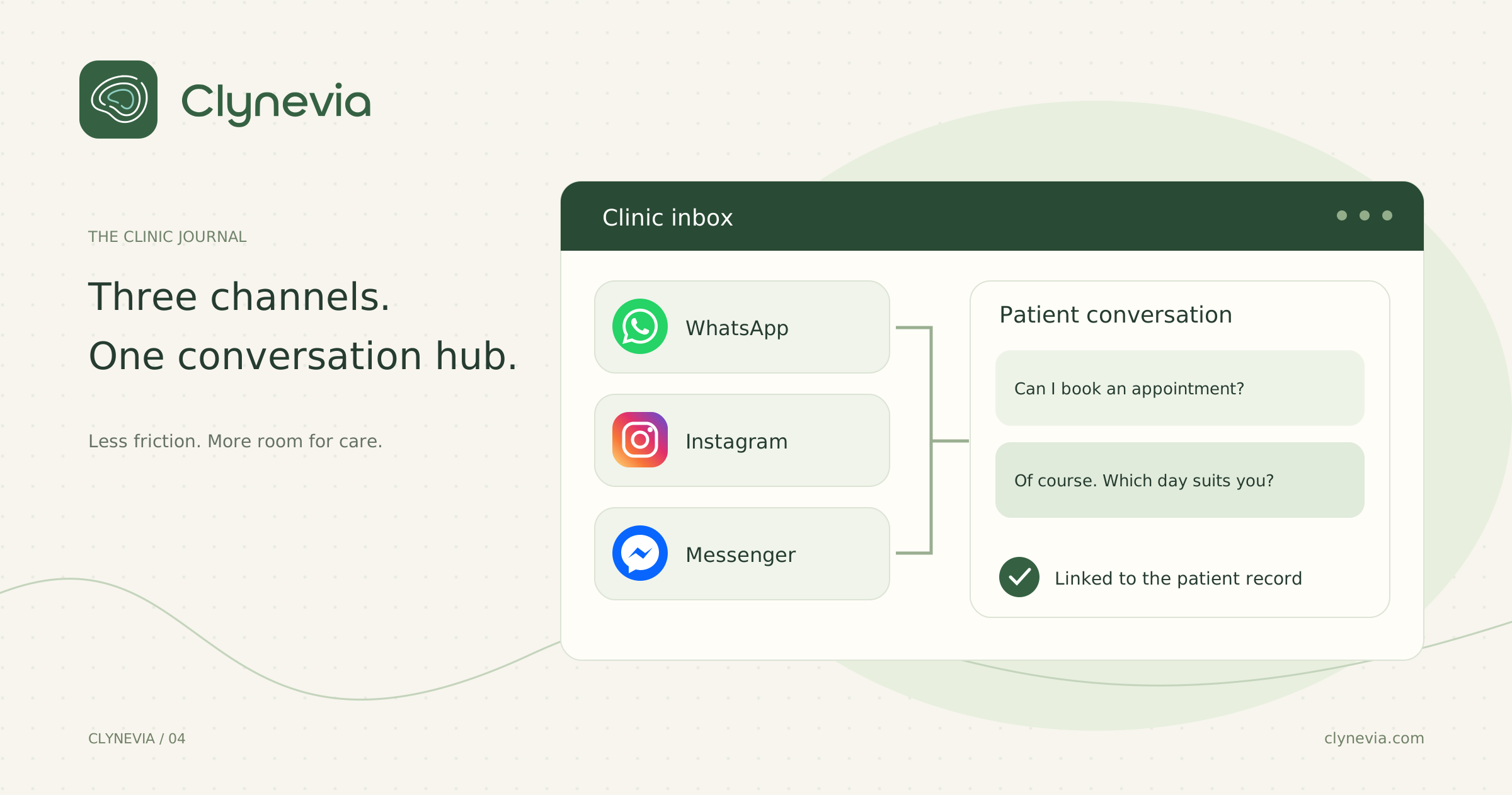
If appointment messages are also spread across multiple apps, see how a shared clinic inbox brings conversations together. Communication and intake complement each other, but they have separate purposes: one organizes the conversation, while the other gathers information before the visit.
Questions before trying it
01Does submitting the form confirm the appointment?+
No. In the planned flow, the optional intake invitation follows submission of the appointment form. Confirmation follows the clinic’s booking process and does not depend on accepting the invitation.
02Does the patient need an account?+
The form opens through its private link without signing in. Share it directly with the intended patient because the link provides access to the form.
03Does AI assess the patient instead of the dietitian?+
No. AI helps generate questions and notes for review. Confirming answers, assessing the patient and making nutrition decisions remain the dietitian’s responsibility.
Request a demo to review how pre-visit intake could fit your clinic schedule, including the activation and setup needed to try the workflow.