Foods you know
Choose from Arabic foods and the general database, and add the foods, nutrition values and serving units you use in your clinic.
Food library →
A workspace for nutrition clinics
From the first message to the next follow-up. Organize appointments, build nutrition plans, and reply to patients from one workspace, in Arabic or English.
See how Clynevia fits the way you run your clinic.
A 30-second film with music. All data shown is illustrative.
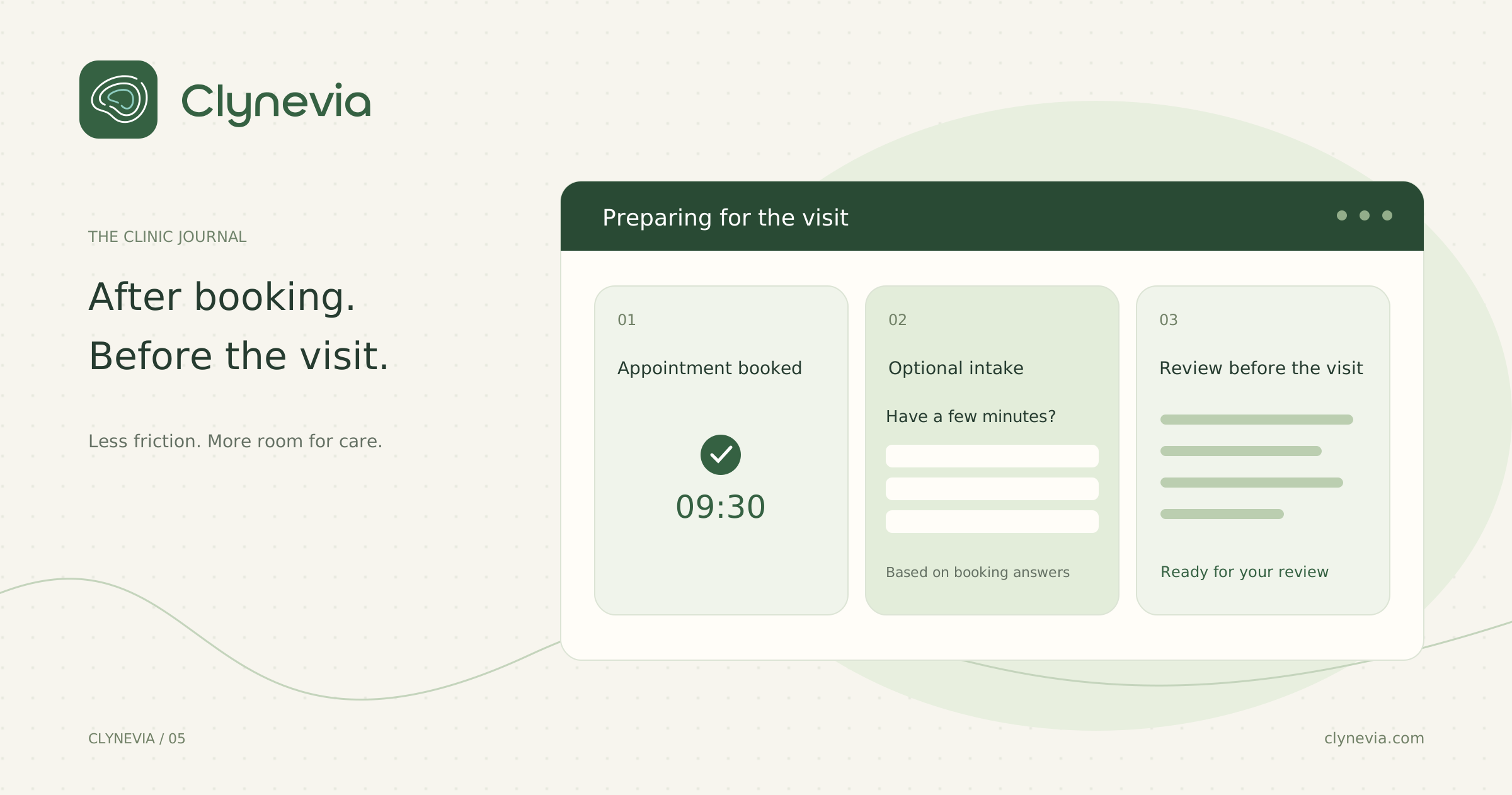
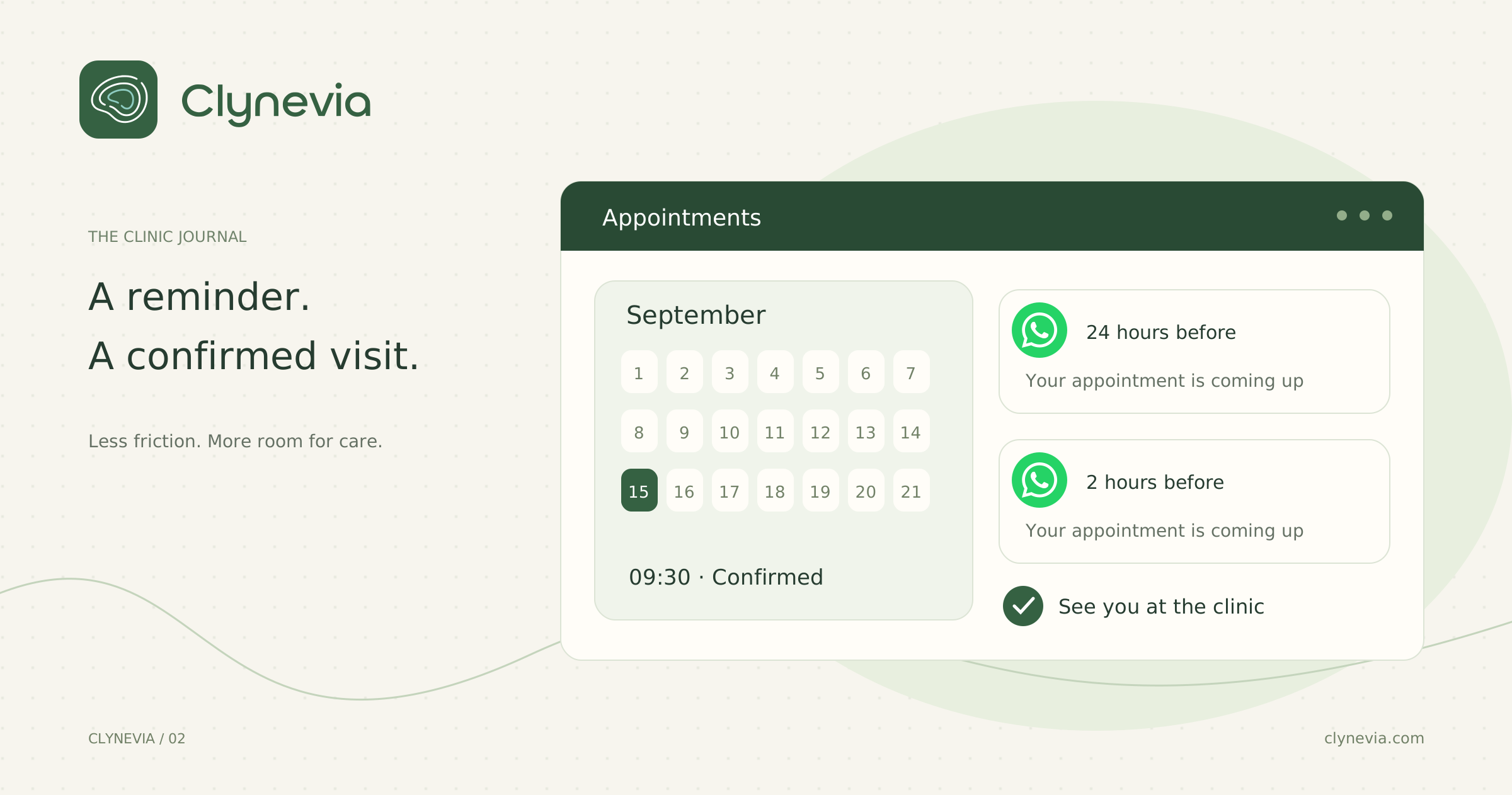
Before the appointment, during the session, and after the visit.
The latest plan, measurement and note, before the session starts.
02 / During the sessionBuild the plan with your patient →Choose foods and adjust portions and nutrition values.
03 / After the visitShare the plan and stay in touch →A link for your patient, and clinic conversations in one place.
The latest plan, measurement and follow-up notes. Open the patient record and pick up where you left off, without piecing information together across tools.
Patient record preview · Illustrative data
Start with your clinic's foods, adjust portions, and prepare a clear plan for your patient. Each step connects to the next.
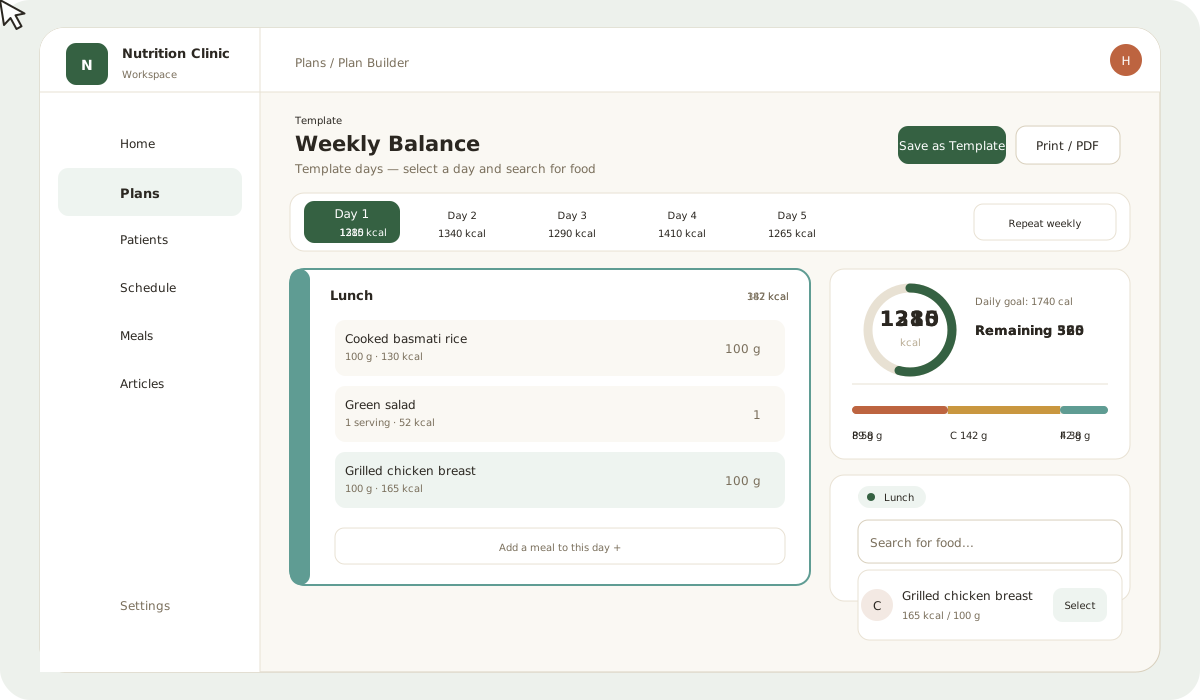
Choose from Arabic foods and the general database, and add the foods, nutrition values and serving units you use in your clinic.
Food library →Arrange meals, adjust ingredients and portions, and follow calories and macros as you build the plan.
Plan templates →Share a plan link that opens in the browser, with no app to install. Use the channel where the patient booked their first appointment, and connect other channels if they provide them.
Sharing and printing →Patients open their nutrition plan directly in their phone browser. Share the link through the channel they used to book their first appointment, keeping the conversation in one place.
If they provide other contact channels, you can link them to their record and use them to share the plan.
Day one
Illustrative patient experience
Connect your clinic's WhatsApp, Instagram and Messenger accounts, then read and reply to messages from one inbox inside Clynevia.
Illustrative preview of AI automatic replies.
Start with the essentials, then add the tools you need as you go.
Set up clinic details, working hours and appointment availability.
Clinic setup →Add patient records and build the food library and templates you use.
Add patients →Arrange the first appointment, prepare a plan, and connect the communication channels available for your clinic account.
Walk through it with us →From the blog: practical ideas for booking, visit preparation and patient communication.
Explore pricing, or talk through your clinic's needs during a demo.
Have a question about your clinic's workflow? Let's discuss it during the demo.
Open the Help Center →Yes. Clynevia is designed for independent nutrition clinics, bringing plans, patient records and appointments into one workspace.
They do not need to install an app. The plan link opens in their phone browser. Share it through the channel used for their first booking, and link other channels if they provide them.
Connect the channels available for your clinic from messaging settings and grant the required permissions. Instagram uses professional accounts, and WhatsApp uses a business account.
Not yet. The current inbox lets clinic staff read messages and reply manually. The animation illustrates the planned automatic-reply experience.
Plan details and options are on the pricing page. During the demo, we can discuss what fits your workflow.
A tour of plans, appointments and conversations. We'll talk about your workflow and see where it can become simpler.